Find your P&L, balance sheet and cash flow
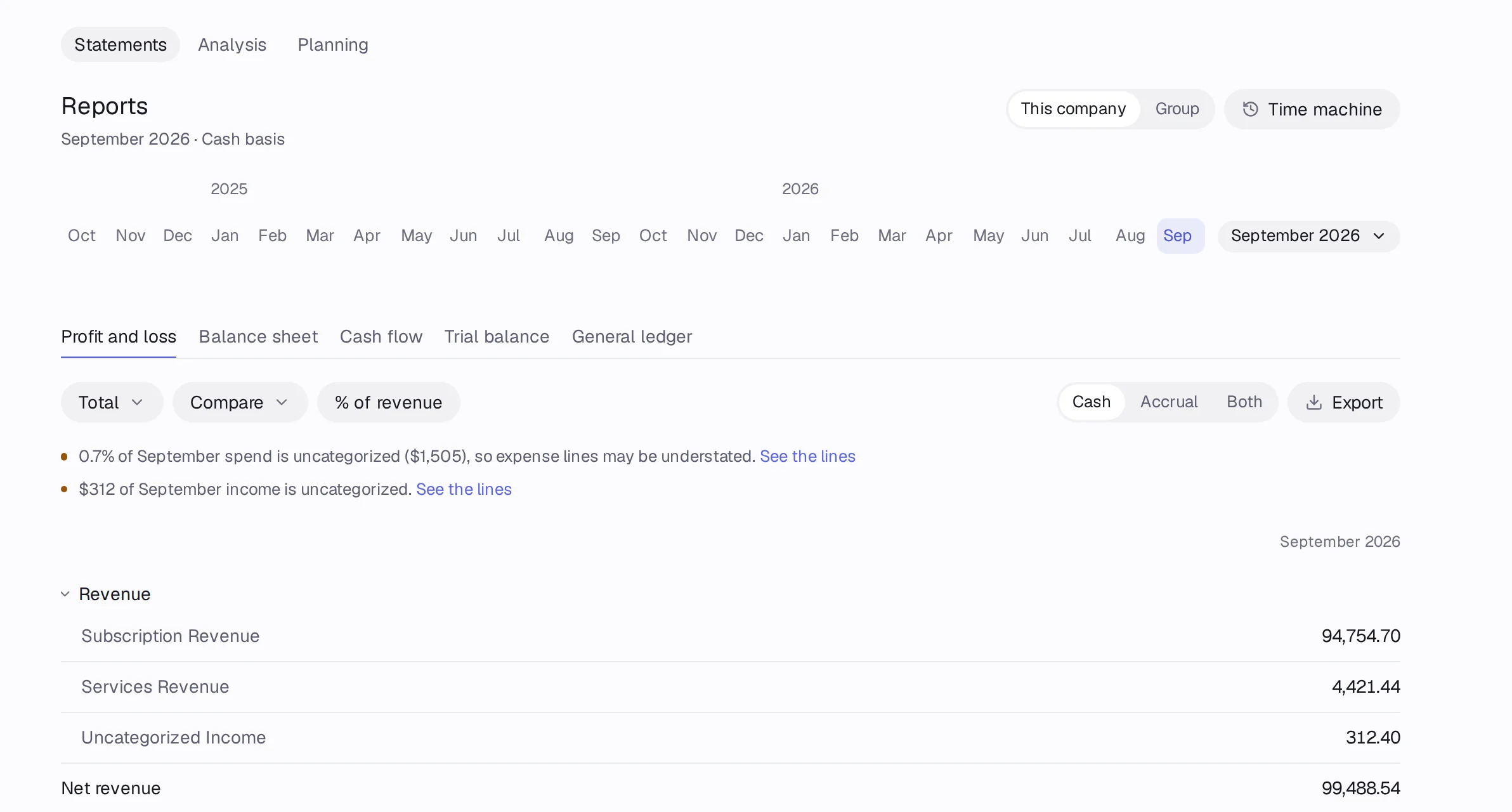
Reports has five statements: Profit and loss, Balance sheet, Cash flow, Trial balance and General ledger. Pick the months at the top and click any number to see the lines behind it.
In Accountable: ReportsUpdated September 29, 2026
Steps
Step 1: Open Reports in the sidebar. The Statements tab opens.
Step 2: Pick a statement: Profit and loss, Balance sheet, Cash flow, Trial balance or General ledger.
Step 3: Pick the months with the period control at the top: one month, a range, or a preset like Last 12 months or Year to date.
Step 4: Choose the columns: Total, By month, By quarter, By year or With year to date.
Step 5: Click any amount to see Lines behind it, with Why and Lineage tabs.
Good to know
- On the Profit and loss, % of revenue shows each line as a share of revenue.
- Cash, burn and runway on Home are always on a cash basis.