Ask Accountable AI about your books
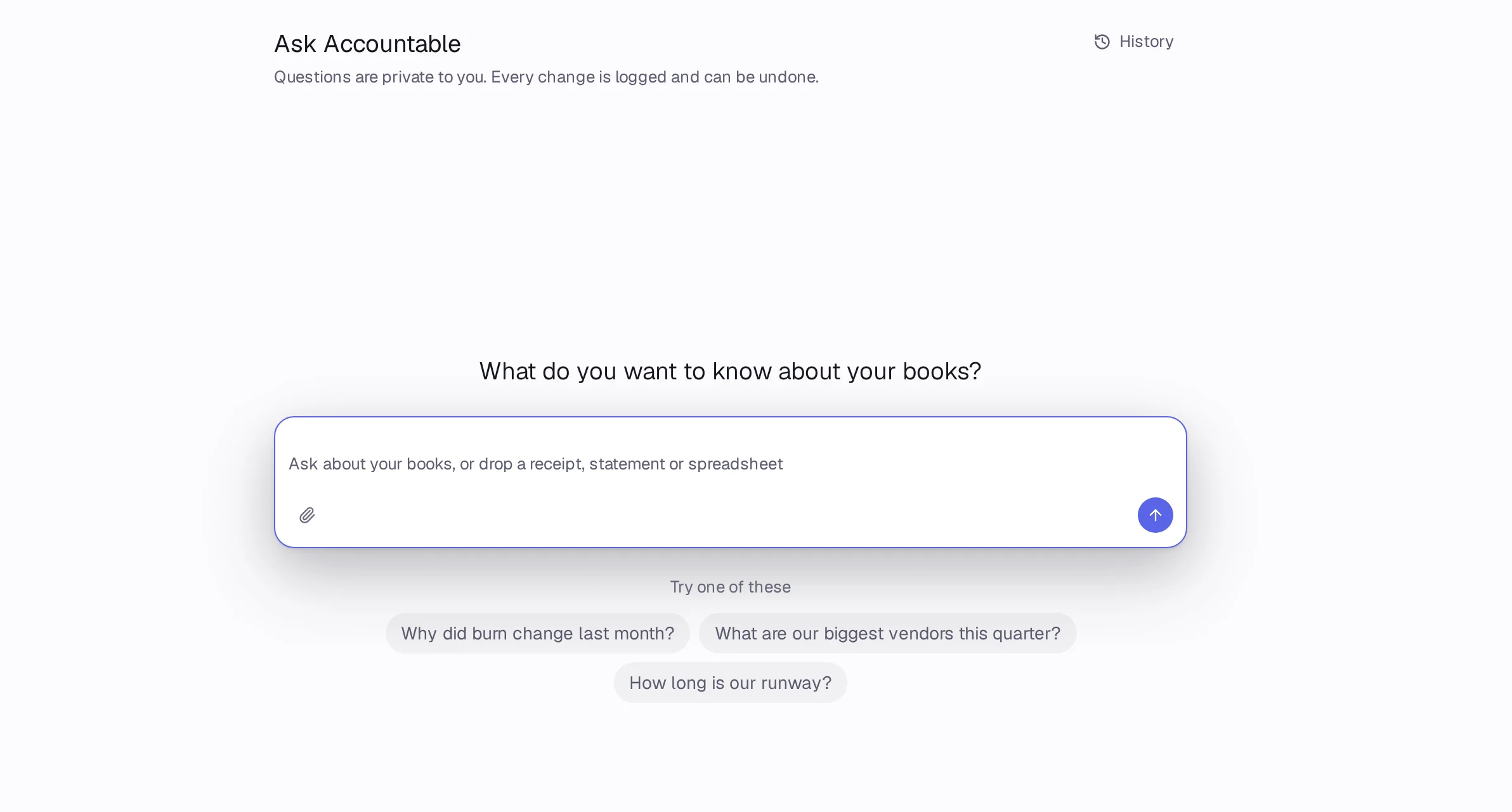
Press ⌘J and ask in your own words, like “Why did burn change last month?”. Every answer shows its sources, and any change it suggests waits for you.
In Accountable: Ask AccountableUpdated September 29, 2026
Steps
Step 1: Press ⌘J or the Ask Accountable button in the top bar.
Step 2: Type your question, or pick one under Try one of these.
Step 3: Read the answer. Open Thought process to see its steps, and press a source chip like Lines behind this number to see the entries.
Step 4: If it suggests a change, a card shows exactly what it would do. Press Approve, Always allow, Reject or Edit.
Step 5: Press History to find past questions, or New question to start over.
Good to know
- Questions are private to you. Every change is logged and can be undone.
- Free includes 20 questions a month, Pro 300 and Holding 1,000.
- Press Talk to a person to hand the thread to our team.