Close a month
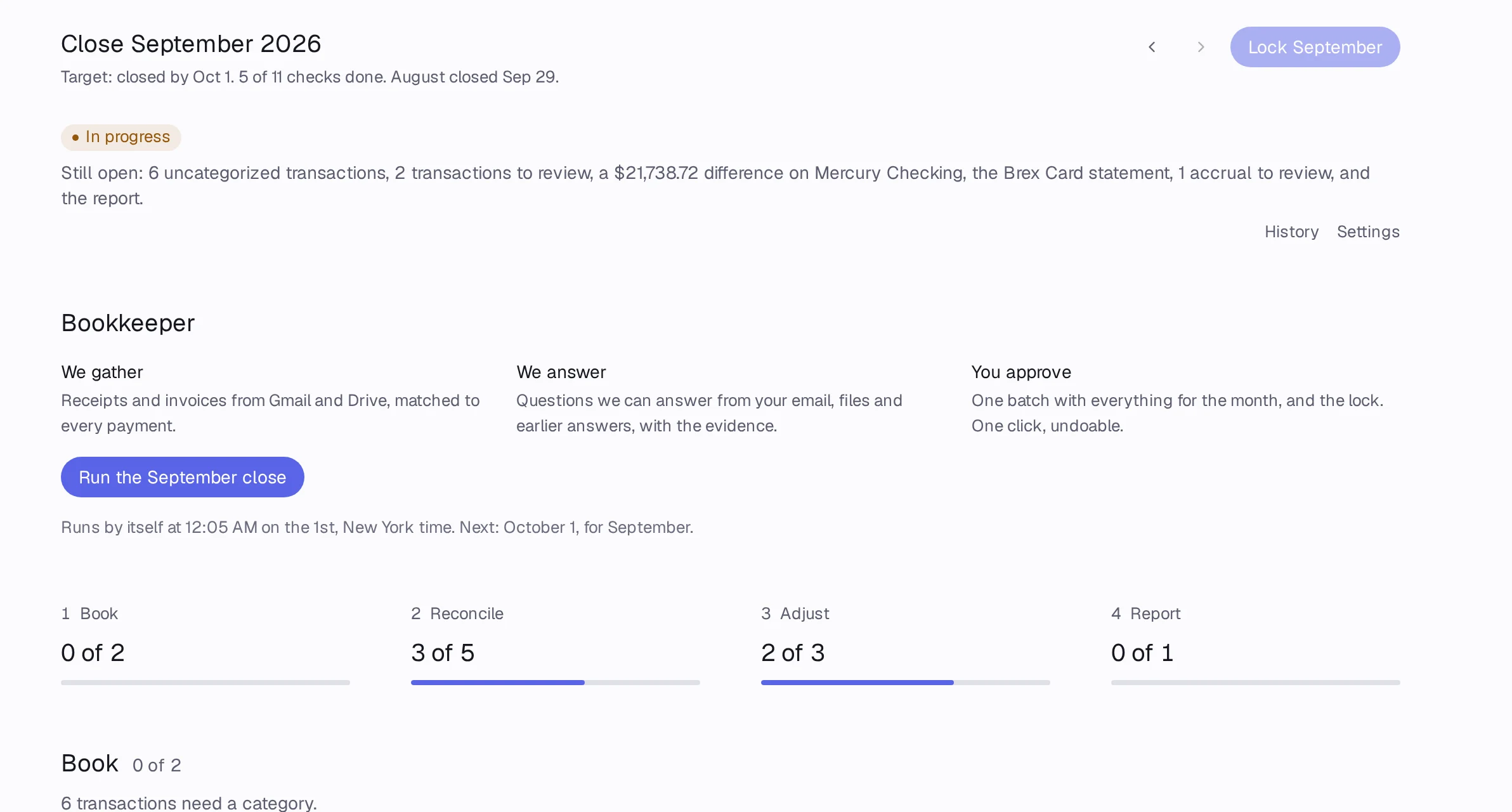
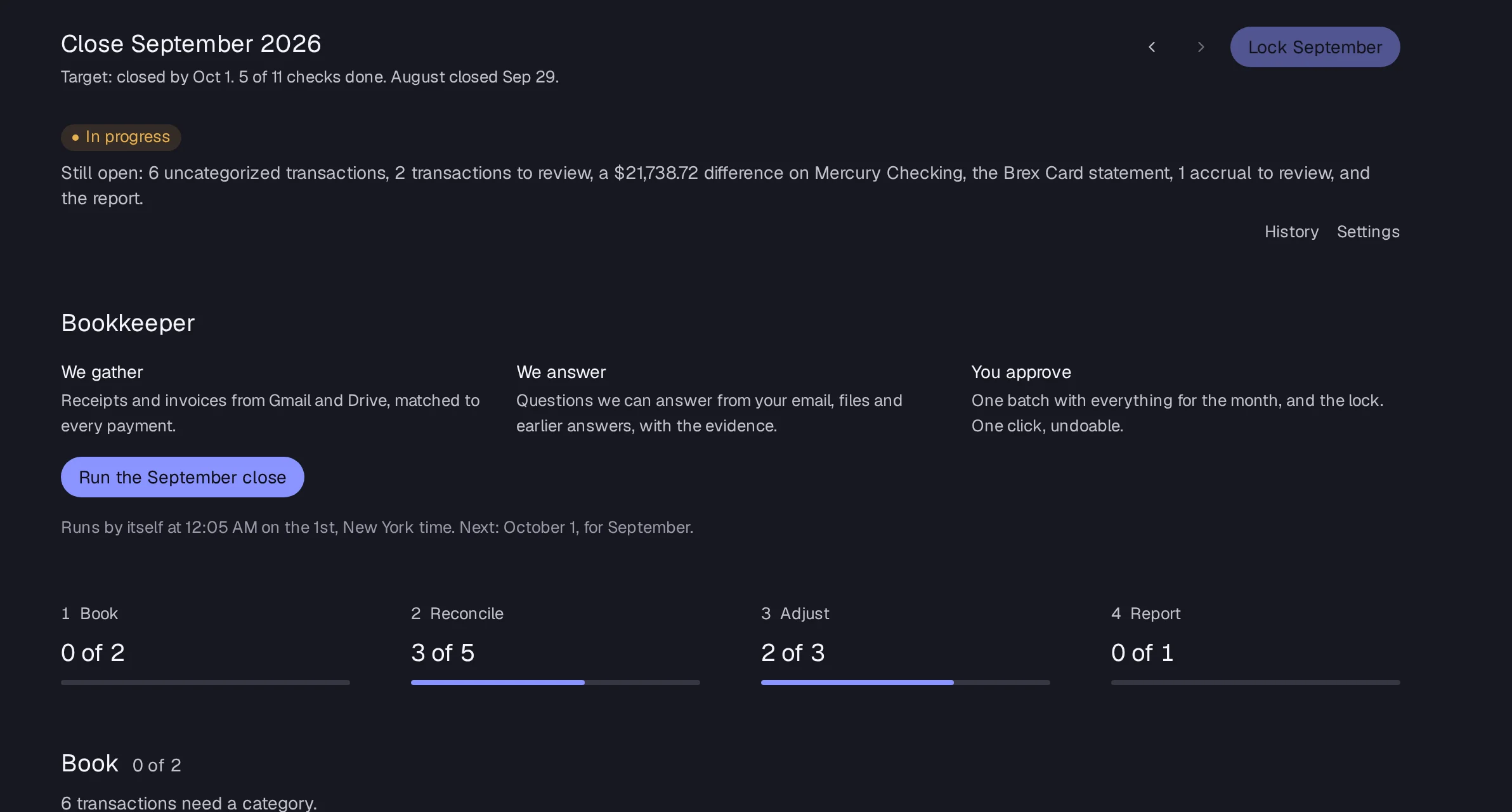
The Close page walks four checks: Book, Reconcile, Adjust and Report. When every check passes, press Lock and the month's numbers stop changing.
Steps
Step 1: Open Close in the sidebar. It opens the oldest open month, titled Close and the month, with N of M checks done.
Step 2: Book: make sure Every transaction has a category and Nothing waits for review. If the month before is open, close it first.
Step 3: Reconcile: each account shows its statement and ledger balance. Fix any row that says Statement missing or Off by an amount.
Step 4: Adjust: clear the approvals waiting and post the month's schedule entries.
Step 5: Report: press Draft the report, then Review the report.
Step 6: When the status says Ready to lock, press Lock and the month (for example Lock September).
Good to know
- Owners, admins, controllers and accountants can lock a month.
- When a month is locked, everyone on the report list gets the month-end report by email.