Export everything: the full data export
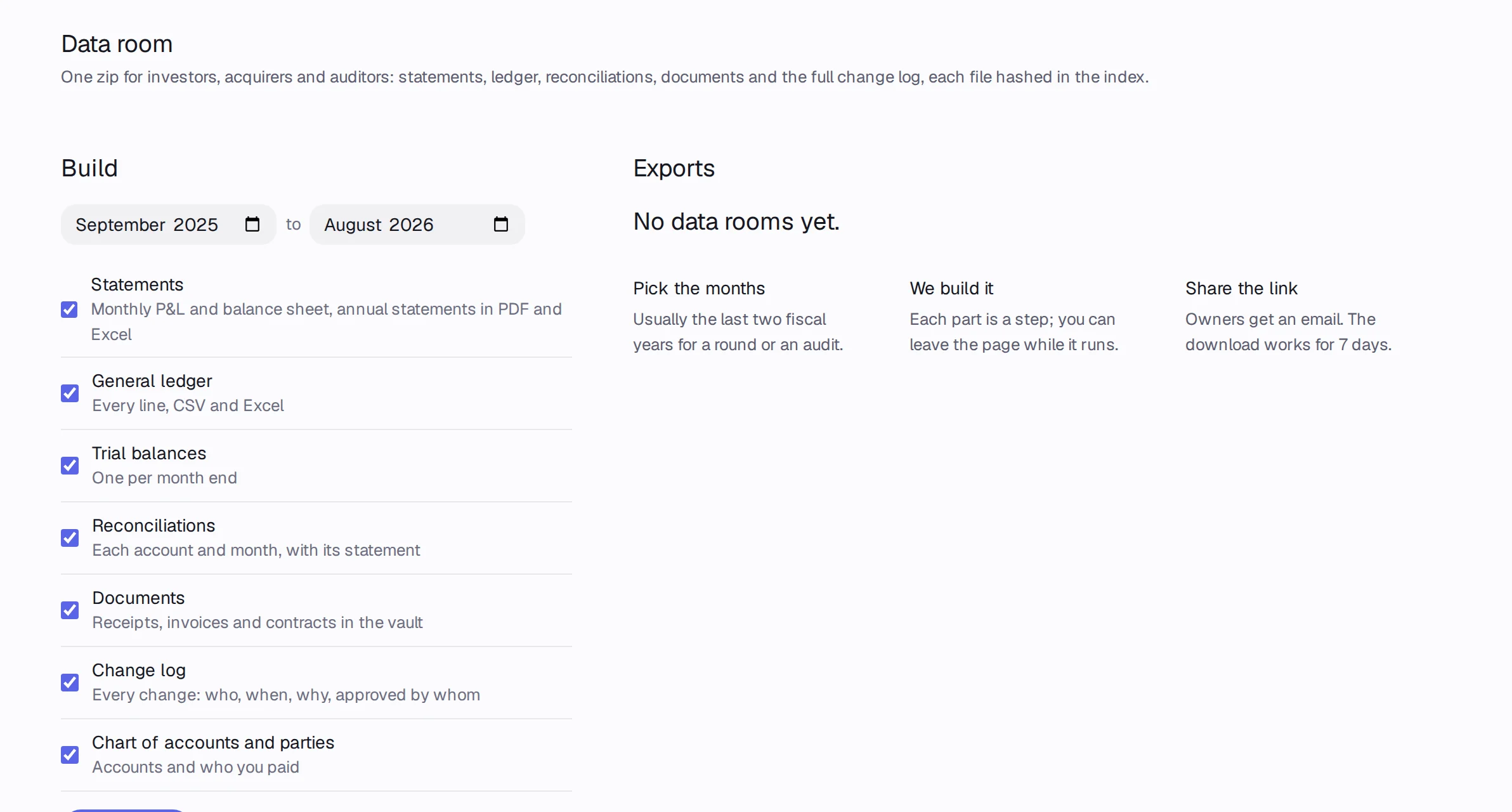
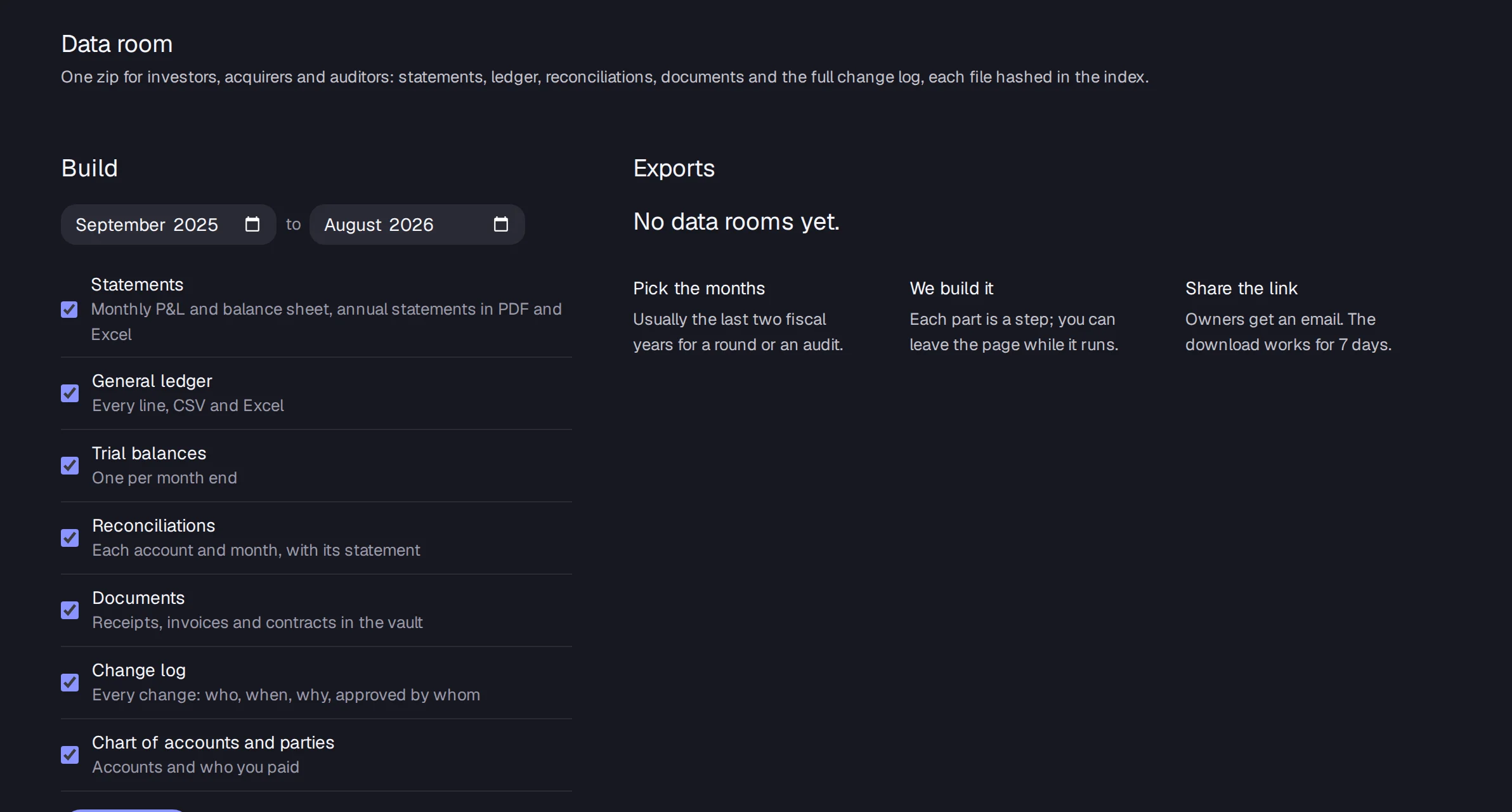
The data room export is one zip with your statements, general ledger, trial balances, reconciliations, documents, change log and chart of accounts, for any months you pick.
In Accountable: Data roomUpdated September 29, 2026
Steps
Step 1: Press ⌘K and choose Export data room.
Step 2: Pick the first and last month.
Step 3: Tick the parts you want: Statements, General ledger, Trial balances, Reconciliations, Documents, Change log, and Chart of accounts and parties.
Step 4: Press Build export. When it's ready, press Download. The link works for 7 days.
Good to know
- Owners, admins and accountants can build an export.
- It's free on every plan, including Free and after a plan ends.