What connecting Claude, ChatGPT or Cursor does
Accountable runs an MCP server at accountable.im/mcp. Connect your AI app to it and the app can read your books and, on paid plans, change them within the limits you set.
In Accountable: Settings › AI and agentsUpdated September 29, 2026
Steps
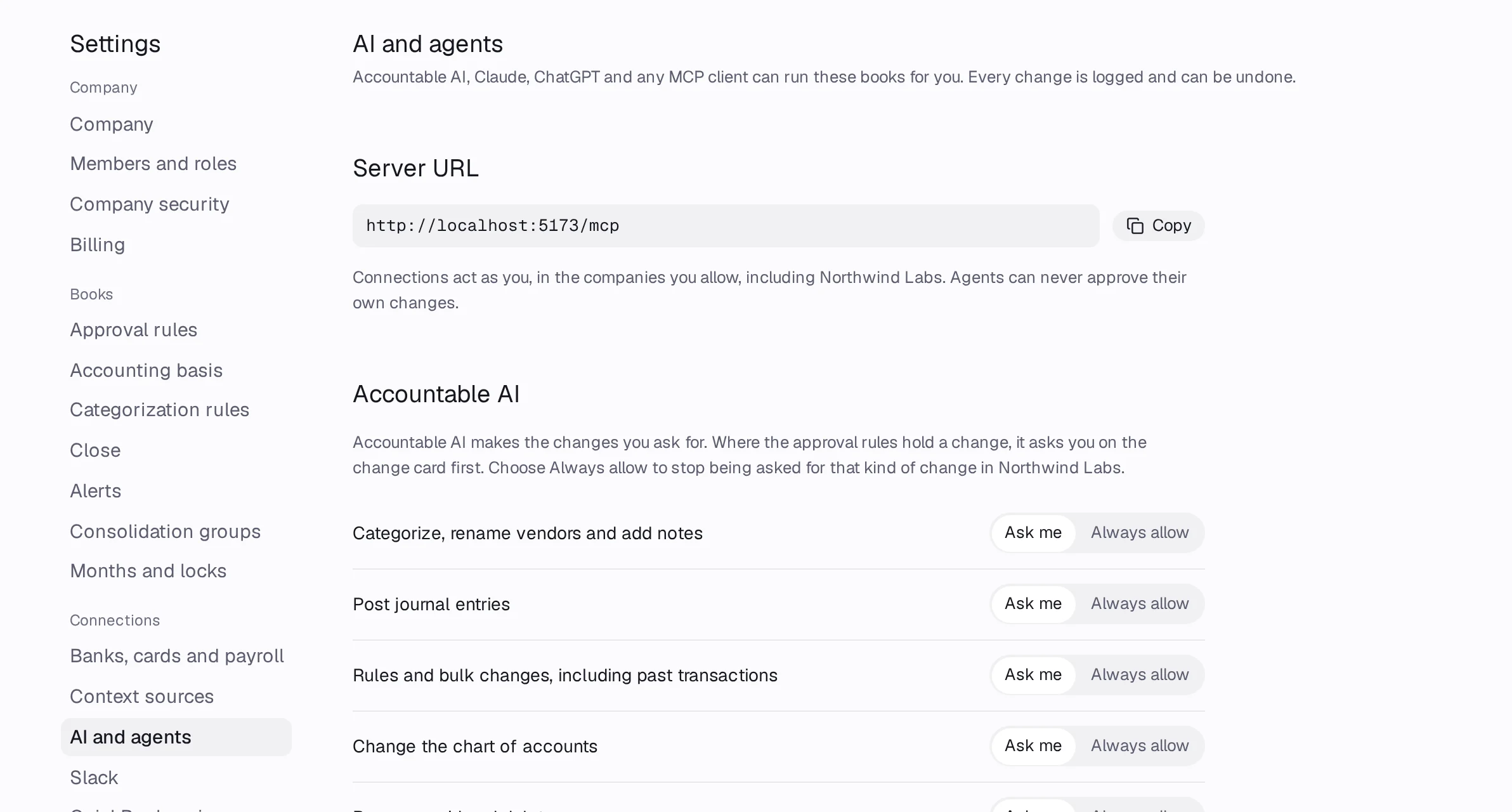
Step 1: Open Settings › AI and agents. Copy the Server URL:
https://accountable.im/mcp.Step 2: Add it to your AI app: follow Claude, ChatGPT or Cursor.
Step 3: Sign in to Accountable when the app asks, pick the companies and what the app may do, and press Allow.
Step 4: Ask your AI app about your books, like “What did we spend on software last quarter?”.
The guardrails that always apply
- On Free, agents can read but not change anything. Writes need Pro or Holding.
- Every change an agent makes is logged as the app via your connection, and can be undone.
- Agents never approve changes, including their own.
- Nothing in a closed month changes until an owner reopens it.