Invite your CPA, accountant or a teammate
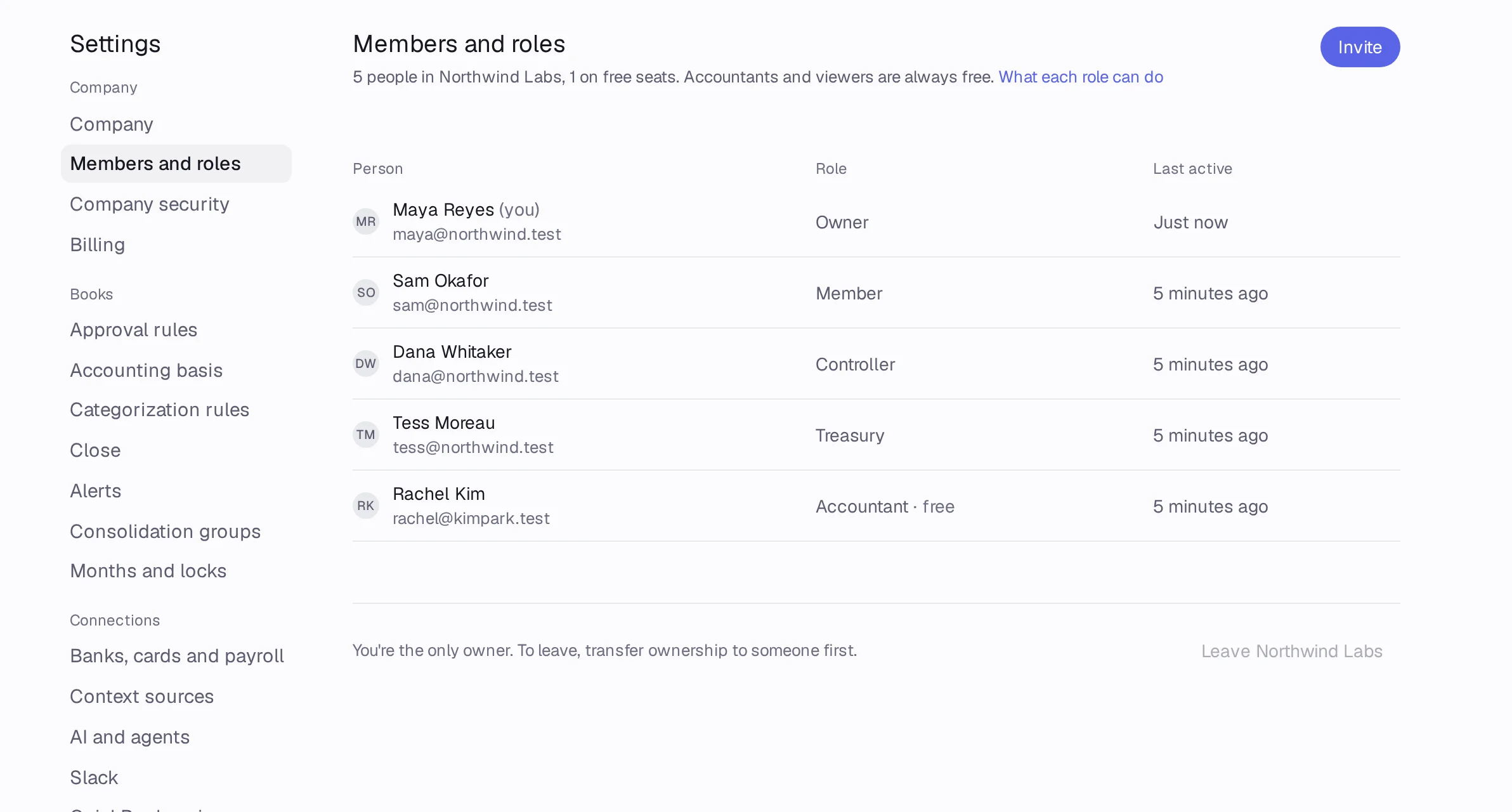
Open Settings › Members and roles, press Invite, type their email and pick a role. Your CPA's Accountant seat is free on every plan.
In Accountable: Settings › Members and rolesUpdated September 29, 2026
Steps
Step 1: Open Settings › Members and roles and press Invite.
Step 2: Type their Email addresses. You can invite several at once.
Step 3: Pick a Role. It starts on Accountant, the free seat for your CPA or outside bookkeeper.
Step 4: Under Also invite to, tick your other companies if they should see them too. Add a Note if you like.
Step 5: Press Send invitation. They get an email with a link that works for 7 days.
Good to know
- Pending invitations show under the members list: press Resend, Copy link or Revoke.
- Accountants and viewers never count toward your plan's seats.