Turn on two-factor sign-in
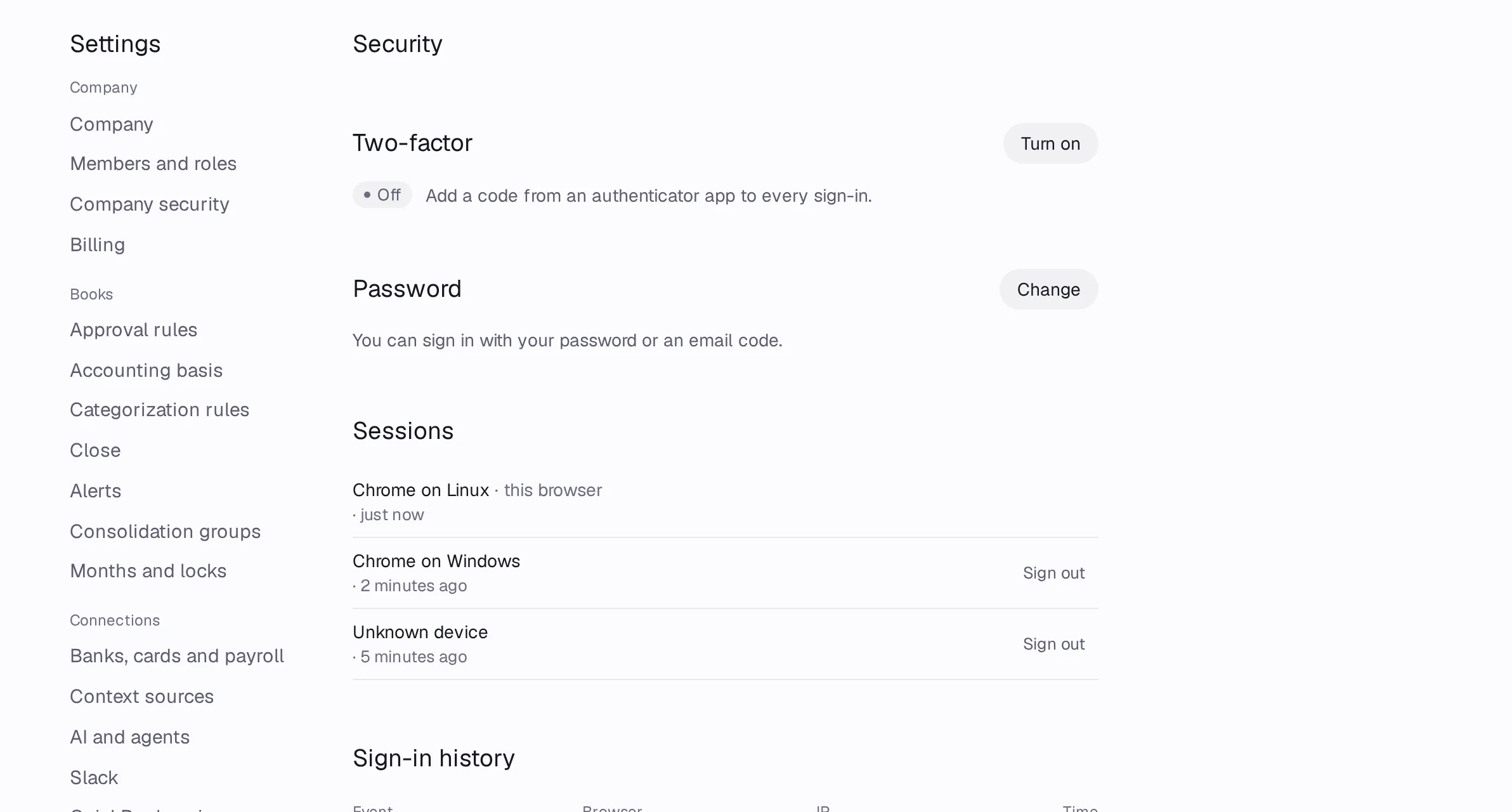
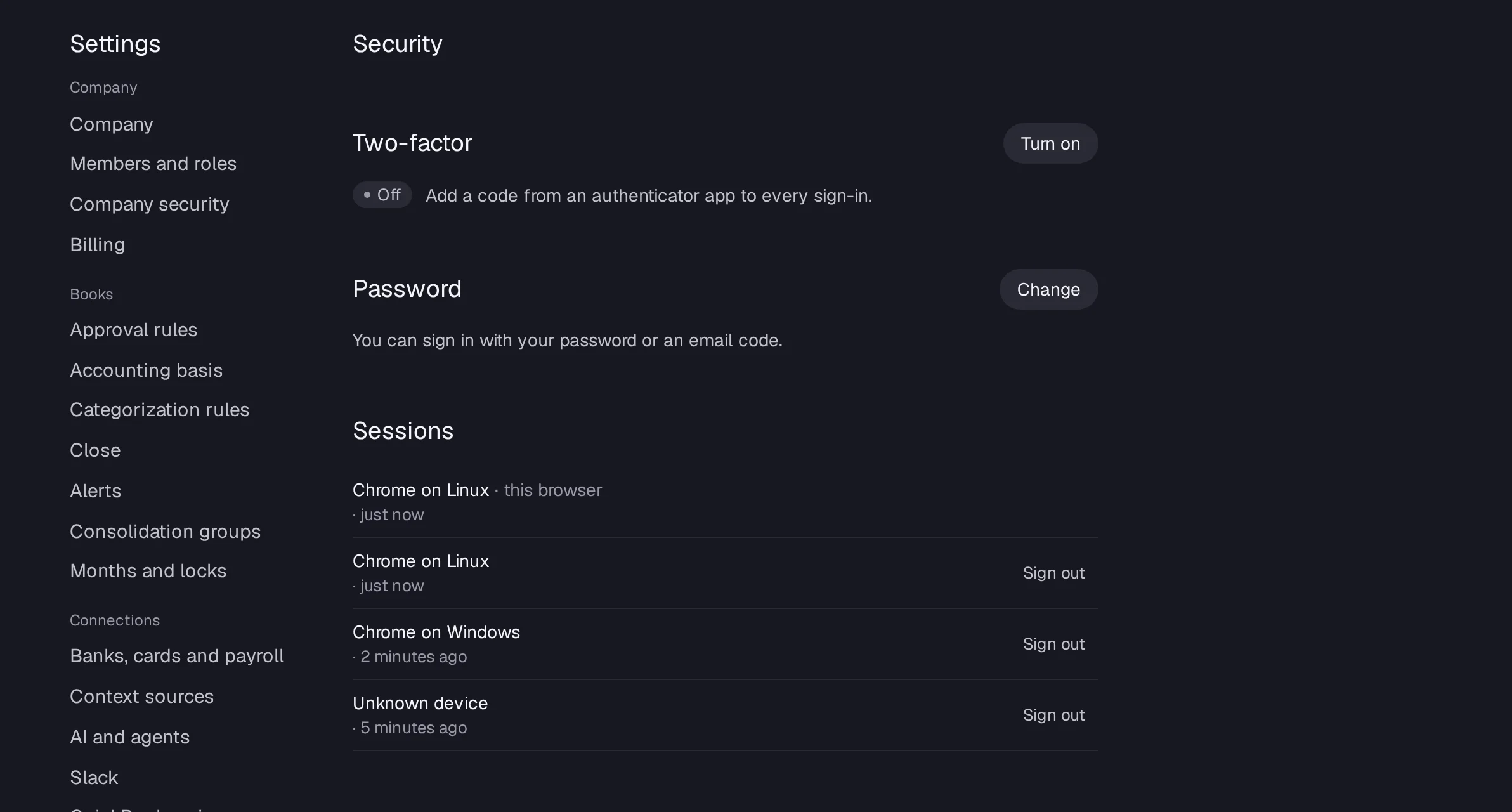
Open Settings › Security, press Turn on next to Two-factor, scan the code with your authenticator app, type the 6-digit code and save your backup codes.
In Accountable: Settings › SecurityUpdated September 29, 2026
Steps
Step 1: Open Settings › Security.
Step 2: Press Turn on next to Two-factor. Type Your password if you have one and press Continue.
Step 3: Scan the code with your authenticator app, or press Can't scan? Enter this key.
Step 4: Type the 6-digit code from the app.
Step 5: On Save your backup codes, press Download .txt and keep the file somewhere safe. Press Done.
Good to know
- Each backup code works once, if you lose your phone.
- Owners can require two-factor for everyone: see Require two-factor for your team.